

AskFritz
AI-Powered HR Services Platform
UX & UI Design · SaaS Web Application · Real Client · Enterprise / AI
Project Overview
AskFritz is an AI-powered HR services web application designed to help organizations manage HR operations and access relevant candidate information efficiently. The platform brings together employee data, AI-driven insights, and HR workflows into a single system, supporting HR professionals in making informed decisions with greater speed and clarity.
The product needed to balance complex, data-heavy functionality with a user experience that felt intuitive, reliable, and approachable for non-technical users.
My Role
I worked as the UX & UI Designer, responsible for shaping the end-to-end user experience of the platform.
My responsibilities included:
UX research and problem framing
Information architecture and user flows
Wireframing and interaction design
High-fidelity UI design
Creating and maintaining a design system
Design handoff and collaboration with stakeholders and engineers
The Problem
HR professionals often work across fragmented systems while handling large volumes of employee and candidate data. Introducing AI into HR workflows adds additional complexity, particularly around trust, transparency, and usability.
The key challenges were:
Making AI-powered outputs easy to understand
Reducing cognitive load in data-dense screens
Designing workflows that felt efficient and predictable
Ensuring the product felt trustworthy and enterprise-ready
Goals & Design Principles
Project Goals
Simplify complex HR and AI-driven workflows
Improve clarity and usability across the platform
Build user trust in AI-generated recommendations
Create a scalable foundation for future features
Design Principles
Clarity over complexity
Transparency in AI interactions
Consistency across workflows
Human-centered decision-making
Users & Use Cases
Primary Users
HR professionals
Recruiters
HR managers working with employee and candidate data
Key Use Cases
Uploading and managing employee data
Reviewing AI-suggested candidate profiles
Understanding skill matches and experience
Navigating HR services efficiently within a single platform
UX Process & Insights
Research & Understanding
Due to project timelines and constraints, the research phase focused on stakeholder discussions, domain understanding, and identifying common pain points in existing HR workflows. Special attention was given to how users interpret AI-generated insights and where confusion or mistrust could occur.
Key Insights
Users needed clear context and hierarchy to interpret AI results confidently
Dense data views required strong visual structure and prioritization
Consistency across screens significantly reduced learning effort
These insights guided decisions around layout, interaction patterns, and information hierarchy throughout the product.
Information Architecture & User Flows
I focused on structuring the application so users could complete key tasks without feeling overwhelmed by data. Core workflows were broken into clear, logical steps, supported by consistent navigation and predictable interaction patterns.
UI Design & Visual Direction
The visual design aimed to feel professional, calm, and trustworthy, aligning with enterprise expectations while remaining approachable.
The UI focused on:
Clear typography for readability in data-heavy views
Strong visual hierarchy to surface important information
Consistent spacing and layout patterns
Subtle use of color to support focus and clarity
Design System & UI Foundations
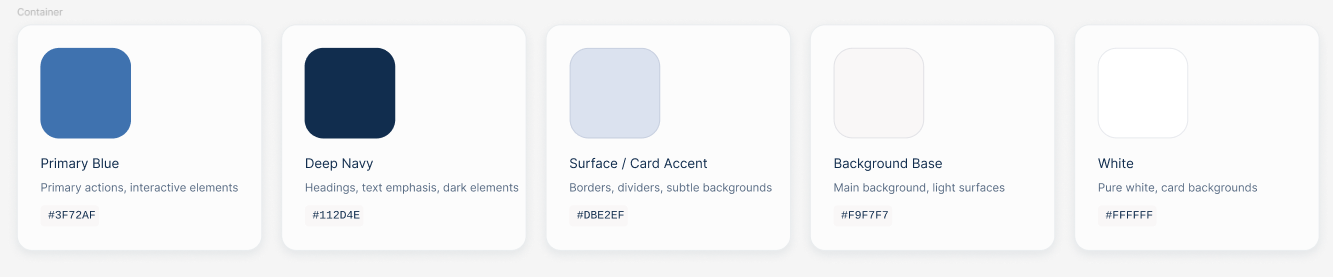
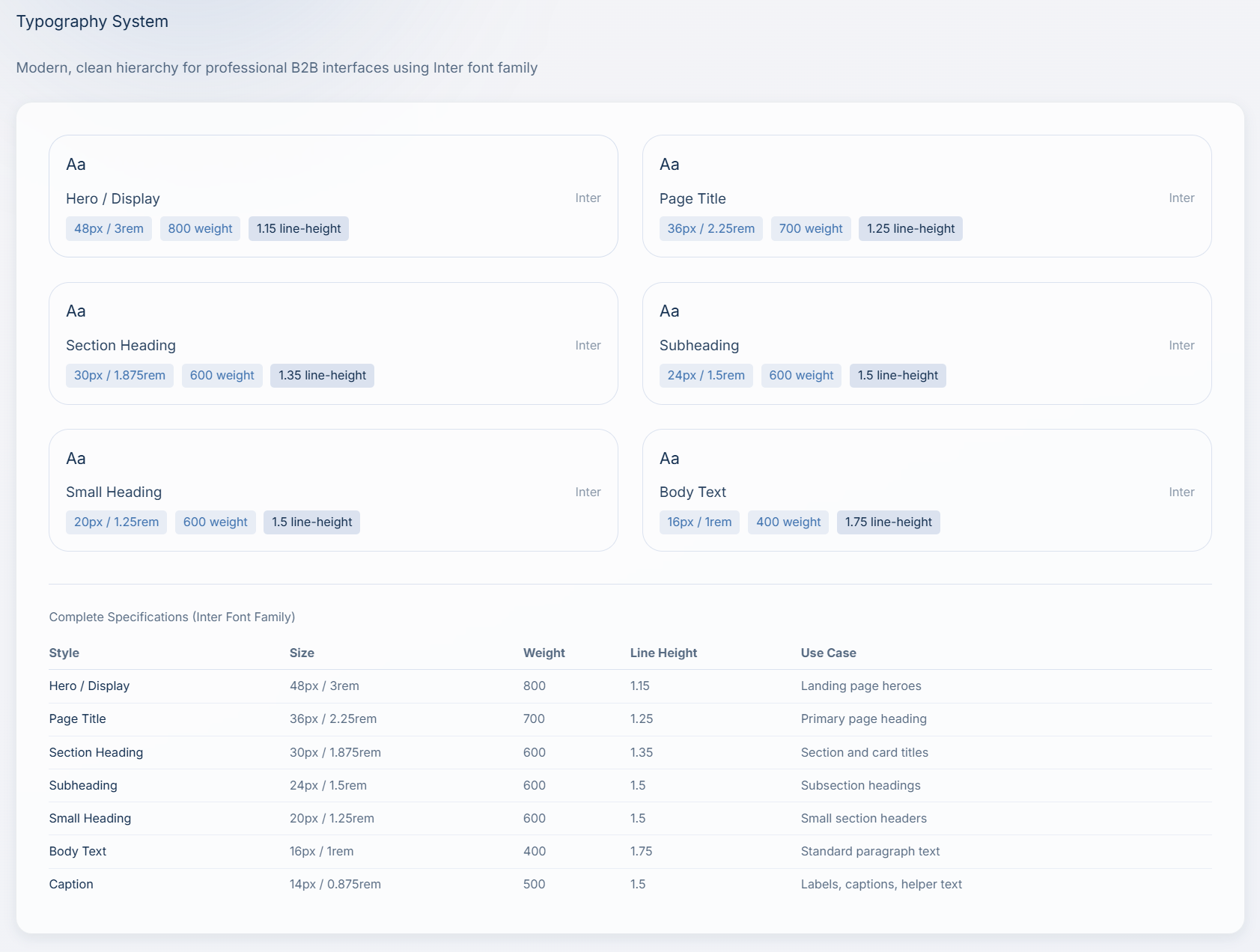
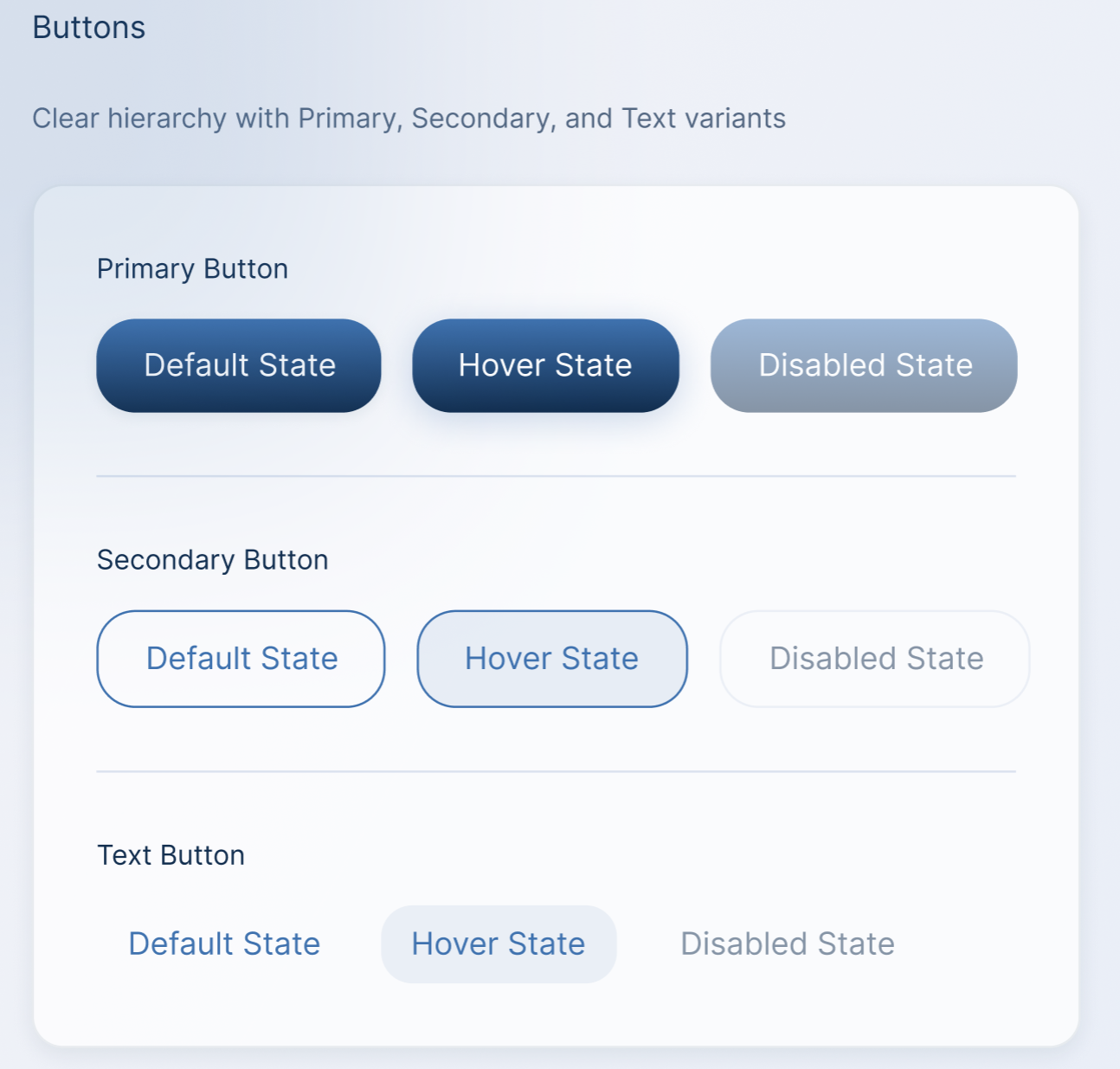
To support consistency, scalability, and efficient collaboration, I created a design system tailored to the needs of an enterprise, AI-driven HR platform. The system acted as a shared foundation for design and development, ensuring alignment across teams.
The design system included:
A restrained color palette designed to convey clarity and trust
Accessible typography optimized for data-dense interfaces
Reusable components such as buttons, inputs, tables, and cards
Consistent spacing and layout patterns across screens
By standardizing core UI elements, the design system reduced inconsistencies, supported faster iteration, and helped maintain a cohesive experience as the product evolved.
Why the Design System Mattered
The design system enabled scalable feature development, reduced design debt, and supported smoother collaboration with engineering by establishing clear, reusable patterns.
Collaboration & Handoff
I worked closely with product stakeholders to align on requirements and priorities, and collaborated with engineers throughout the design process to ensure feasibility and smooth implementation. Designs were prepared for handoff with clear specifications and reusable components to support long-term scalability.
Outcome & Impact
Delivered a cohesive UX for an AI-powered HR services platform
Improved clarity and usability across core workflows
Established scalable design patterns for future features
Supported efficient collaboration between design, product, and engineering.
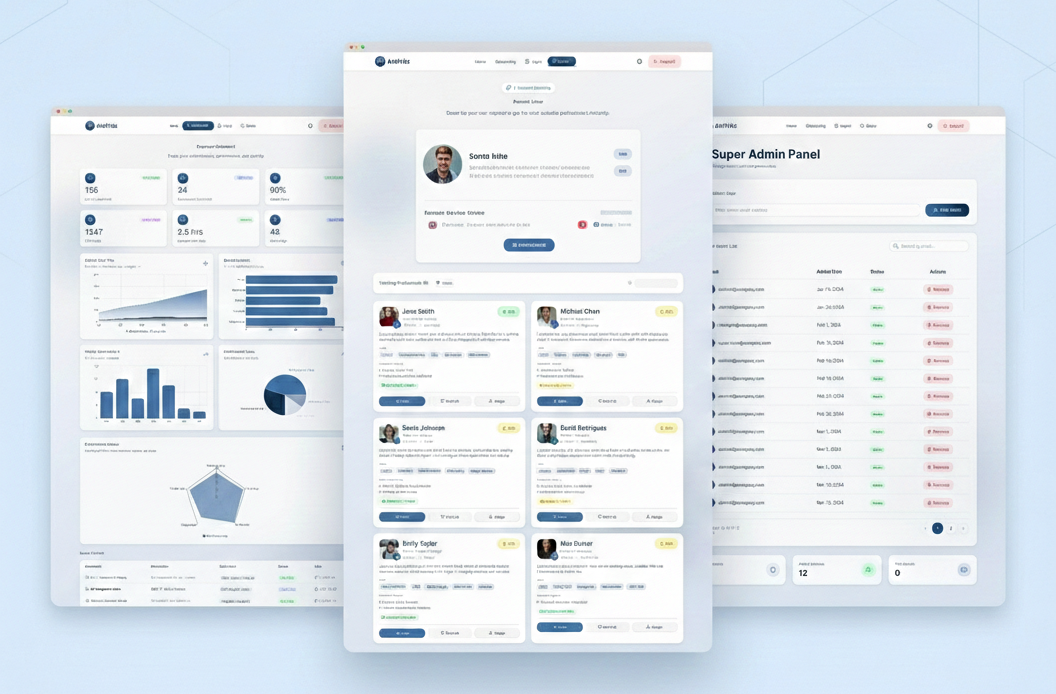
Designing a clear and trustworthy user experience for an AI-driven HR SaaS platform used by HR professionals and recruiters.
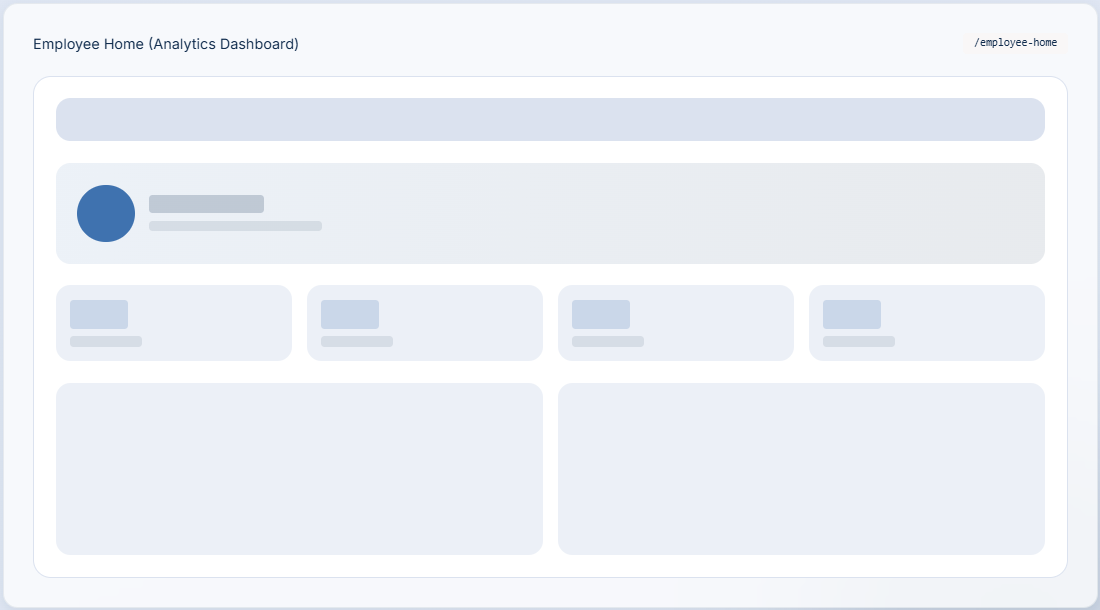
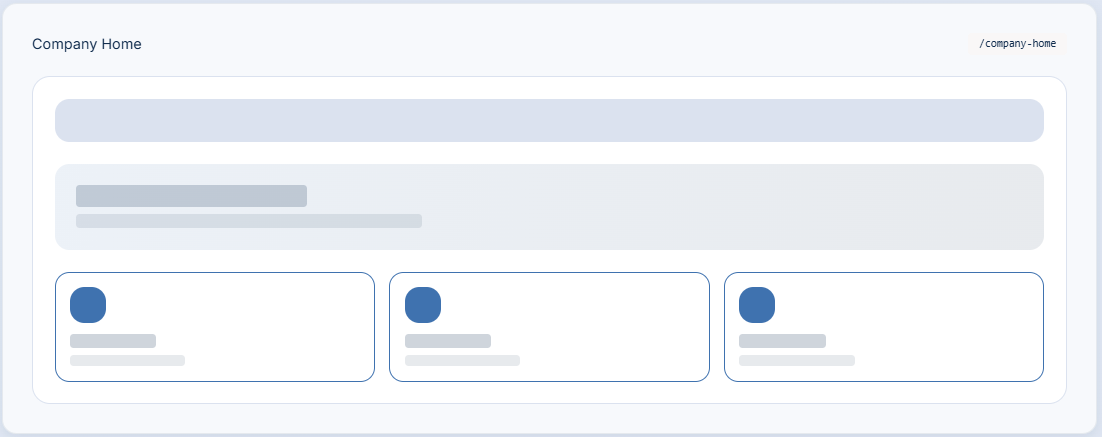
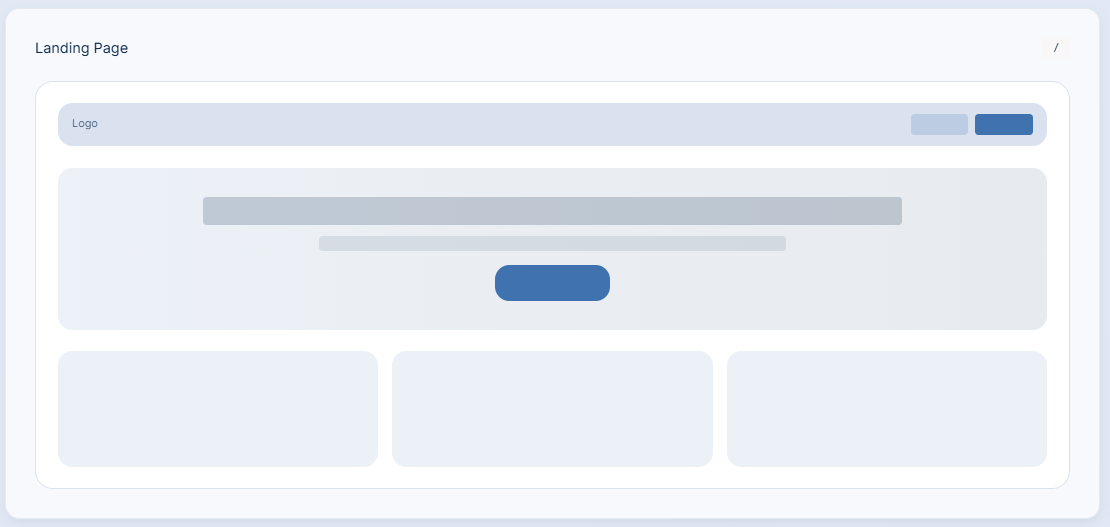
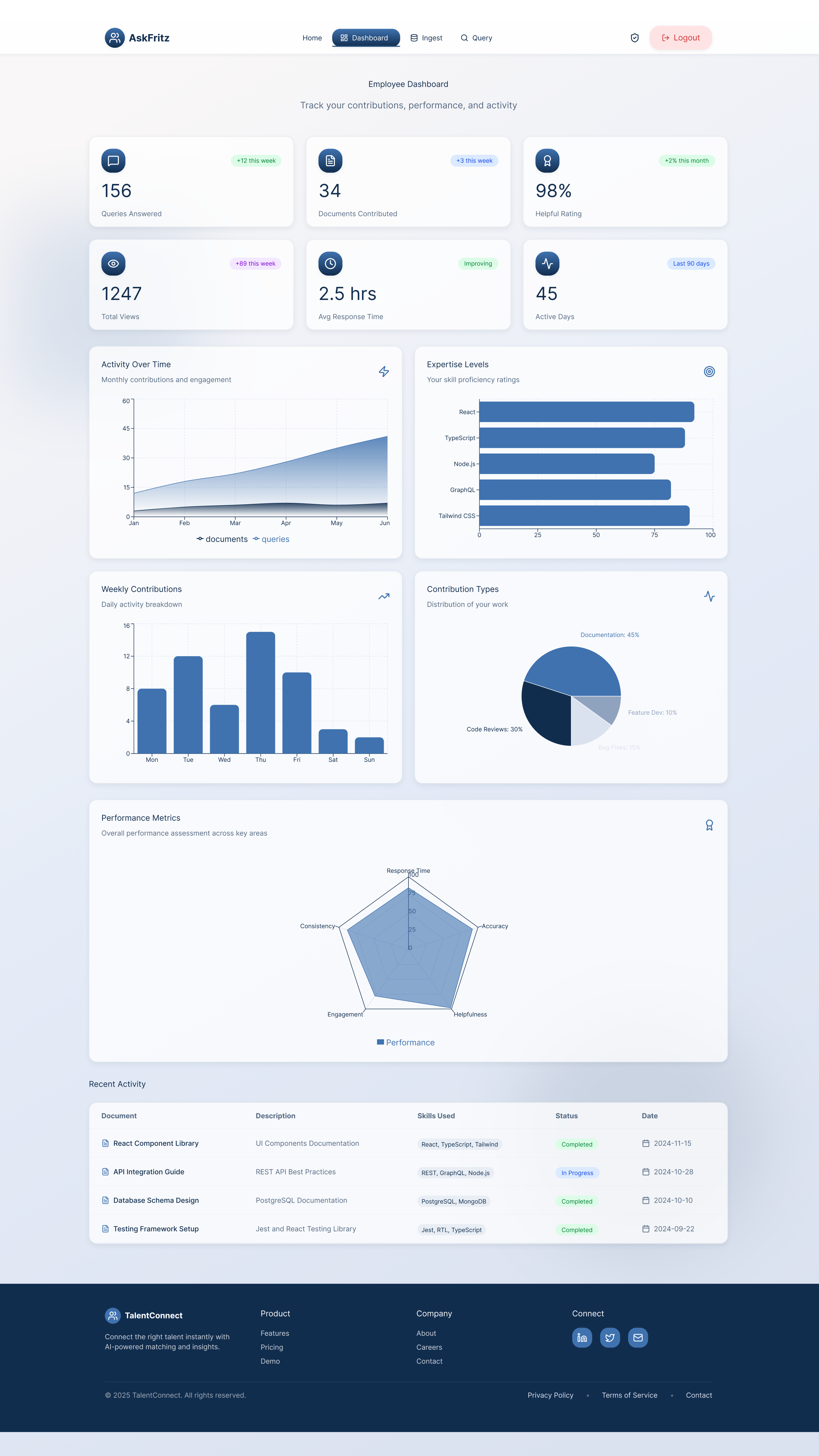
Dashboard overview — Designed to surface key metrics at a glance while maintaining clarity across multiple data visualizations.
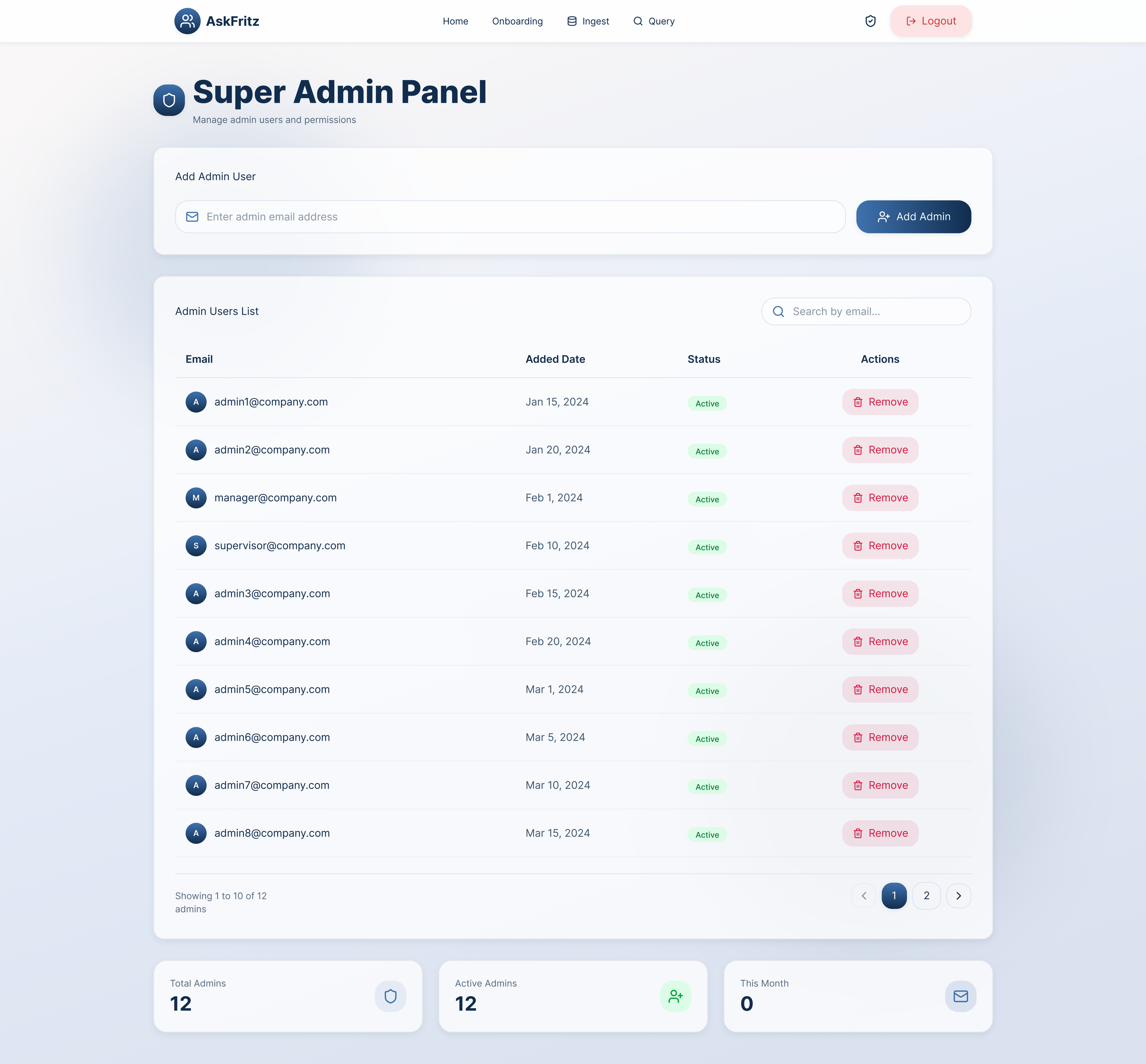
Admin management interface — Structured layouts and consistent patterns support efficient user management and reduce cognitive load in repetitive tasks.

End-to-End User Flow Walkthrough
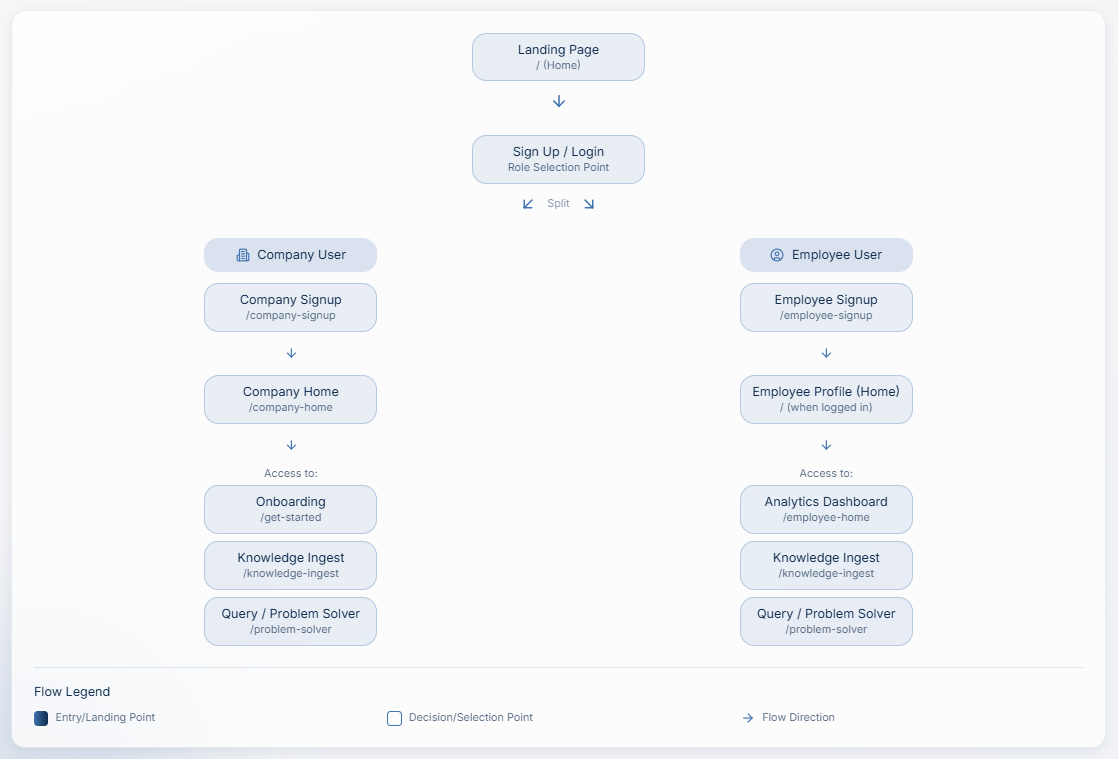
This video demonstrates the primary end-to-end user flows in AskFritz, showing how Company Administrators and Employees interact with the platform to access, contribute, and discover organizational knowledge. The walkthrough highlights key design decisions around role separation, information hierarchy, and action-first workflows.
Key UX Decisions
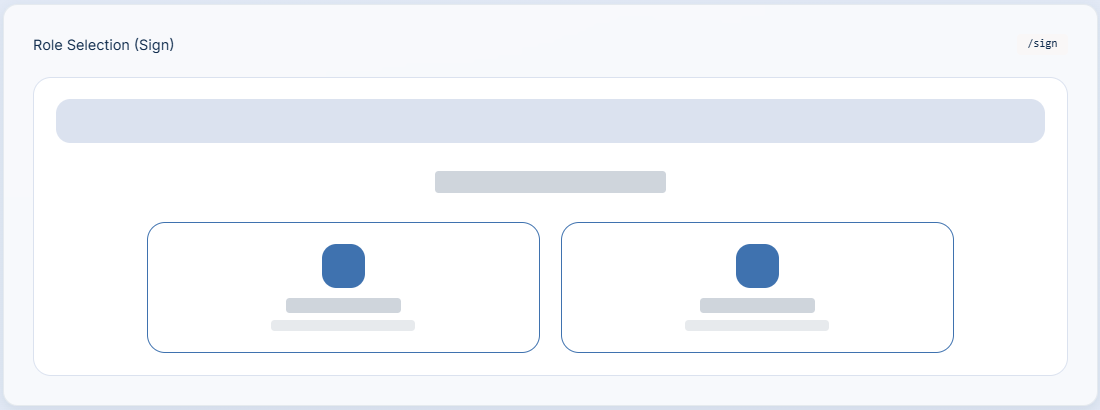
Role-based entry points: Administrators and employees access clearly separated experiences tailored to their responsibilities.
Action-first navigation: Core tasks such as onboarding, knowledge ingestion, and expert querying are surfaced immediately.
Progressive disclosure: Complex information is revealed only when needed to reduce cognitive load.
Low-friction onboarding: Company ID–based joining simplifies employee onboarding and supports faster adoption.
Efficient expert discovery: Natural-language queries enable quick access to relevant expertise.